MiMo Desktop Configuration
Pay-as-you-go MiMo API and Token Plan both support MiMo Desktop. Refer to this guide for configuration and usage.
Prerequisites
Obtain Credentials
Supports two usage methods, but the corresponding credential acquisition methods are different:
| Usage Method | Description | Acquisition Method (BASE_URL and API Key below are examples) |
|---|---|---|
| Pay-as-you-go MiMo API | Charged based on actual usage, suitable for light use |
Go to API Keys to create an API Key |
| Token Plan | Fixed subscription fee, with limited calls based on the package |
After successful subscription, go to Token Plan to obtain the exclusive Base URL and API Key |
Install MiMo Desktop
MiMo Desktop currently supports macOS (ARM architecture) and Windows operating systems.
The following instructions use the China mainland version of MiMo Desktop as an example. International users should refer to the corresponding version for your region.
Apply here:
-
International users: https://mimo.xiaomimimo.com/desktop/
-
Users in China: https://mimo.xiaomimimo.com/desktop/
Log in to MiMo Desktop
Currently, only personal account login is available. You need to log in with a Xiaomi account. If you already have a Xiaomi account, you can log in directly. If you don't have one, you can register via the Console or at id.mi.com beforehand.
Use MiMo Desktop Preset Models
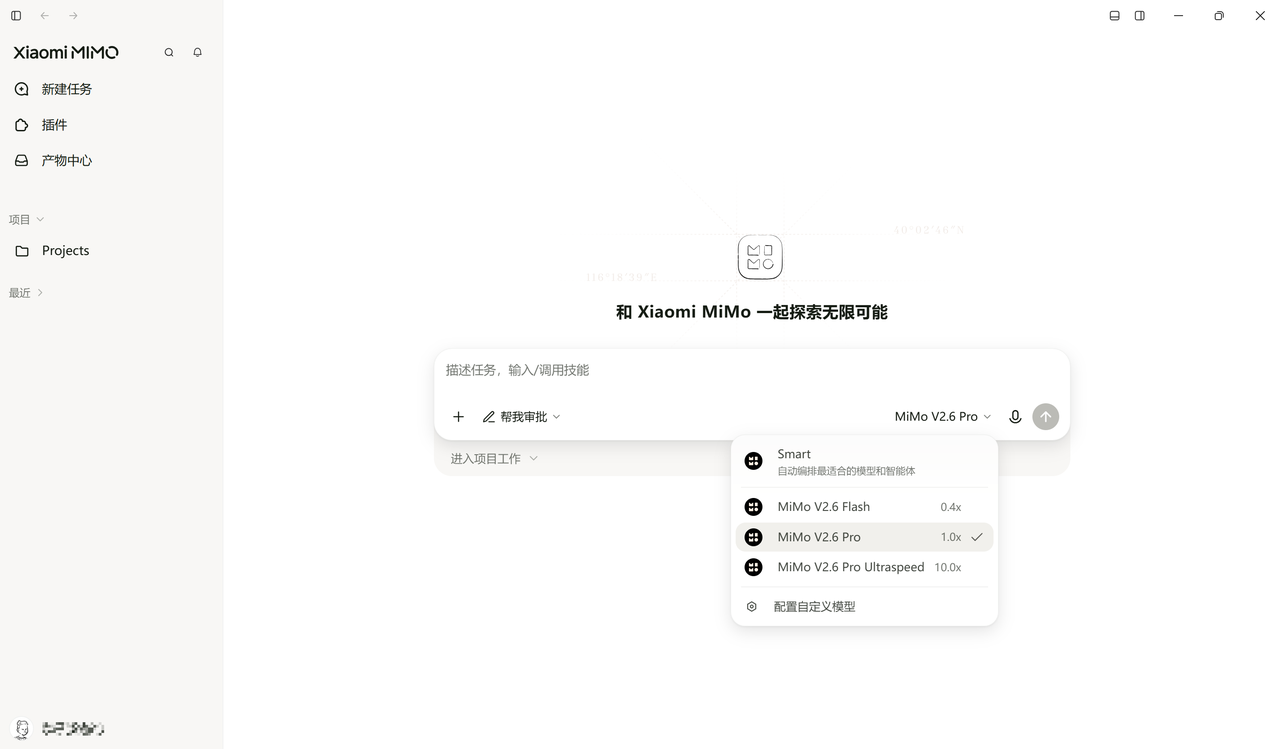
MiMo Desktop currently has three preset models: mimo-v2.6-flash, mimo-v2.6-pro, and mimo-v2.6-pro-ultraspeed.
If you're unsure which model to choose, select Smart mode. MiMo Desktop will automatically evaluate the task type, complexity, delivery requirements, and execution cost, then match the most suitable execution path for the current task.
Configure Custom Models
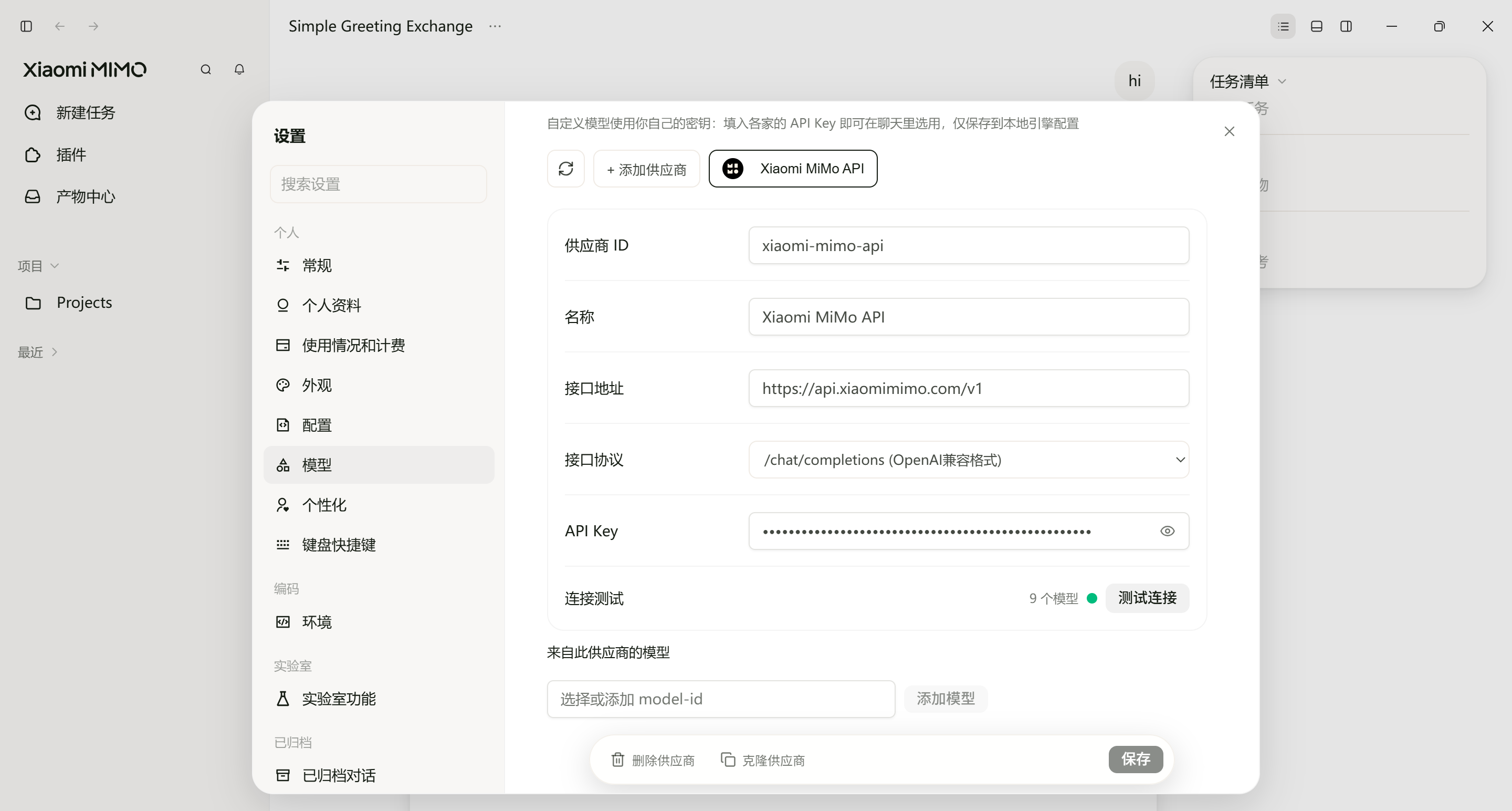
MiMo Desktop supports custom models. Using Xiaomi MiMo API as an example, MiMo Desktop has this provider pre-configured — simply enter your API Key and model name (e.g., mimo-v2.6-pro) to get started.
Note
The API Key for Xiaomi MiMo API (sk-xxxxx) and the API Key for MiMo Token Plan (tp-xxxxx or ttp-xxxxx) are not interchangeable. Please configure the correct one based on the service you are using.